Google Business Profile Suspended? Why It Happens and How to Get It Back
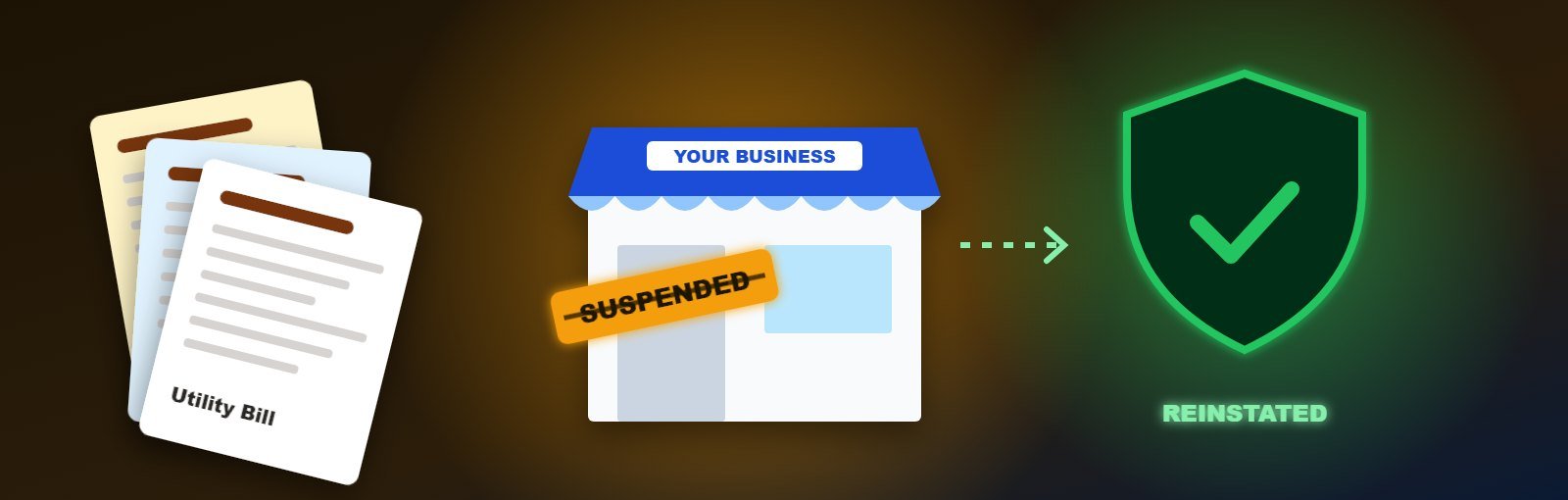
Few things scare a local business owner more than opening Google Maps and finding their listing gone — along with years of reviews and the calls that came with them. A suspended Google Business Profile can cut enquiries overnight. The good news is that many suspensions can be reversed if you understand why it happened and appeal the right way.
This guide explains the common reasons, how to fix them, and how to submit an appeal that has a real chance of success.
Key takeaways
- Most suspensions come from guideline problems: keyword-stuffed names, ineligible addresses, duplicate listings or suspicious edits.
- Fix the cause first, then appeal through Google’s official appeal process with clear evidence.
- Do not create a new profile while the old one is suspended — it usually makes things worse.
Suspended, disabled or just not showing?
Before panicking, confirm what actually happened. Sign in to your Business Profile and look at the status message:
- Suspended – Google has found a policy problem. The profile may be hidden from Search and Maps, or you may have lost the ability to manage it.
- Disabled – usually linked to policy violations or a problem with the account managing the profile.
- Not suspended, just not ranking – your profile is live but has dropped in results. That is a ranking problem, not a suspension. See how to rank higher on Google Maps.
The most common reasons for suspension
1. Keywords added to the business name
“Sharma Dental Clinic – Best Dentist in Ahmedabad” breaks Google’s rules. Your name must match your real-world name on your signboard, documents and website.
2. Ineligible address
Virtual offices, co-working desks without permanent staffed signage, PO boxes and addresses where you do not actually meet customers are not eligible. If you serve customers at their location and do not have a storefront, you should be a service-area business with your address hidden.
3. Duplicate or multiple listings
Creating several profiles for the same location, or separate profiles for each service, is treated as spam.
4. Ineligible business type
Online-only businesses with no in-person contact, rental or for-sale properties, and some lead-generation models are not eligible for a Business Profile.
5. Suspicious or frequent edits
Changing the name, address, category or phone number many times in a short period — especially right after verification — can trigger an automatic review.
6. Website or phone problems
A website that redirects elsewhere, does not mention the business, or a phone number that belongs to a call centre or another business can raise red flags.
7. Policy-violating content or reviews
Buying reviews, offering incentives for reviews or posting misleading content can also lead to action against a profile.
Step-by-step: how to get a suspended profile reinstated
- Read the guidelines carefully. Open Google’s “Guidelines for representing your business on Google” and compare them with your profile line by line.
- Fix every issue. Remove keywords from the name, correct the address or switch to a service area, remove duplicates and make sure your website and phone clearly belong to the business.
- Collect evidence. Typical documents that prove a real business at that location include:
- A clear photo of your permanent signboard and shop front, showing the business name
- Photos of the interior and the team at work
- Business registration, GST certificate, Shop & Establishment licence or trade licence
- A recent utility bill or rent agreement in the business name at that address
- Submit an appeal through the appeal option shown in your Business Profile (or Google’s Business Profile appeals tool). Explain briefly what you fixed and upload the evidence.
- Complete video verification if asked. Show the signboard, the inside of the premises, tools of your trade and proof of management (for example, unlocking the shop or using the billing system), in one continuous recording.
- Wait for the review and avoid further edits while it is pending. You can check the appeal status in the same tool.
Example of a clear appeal note: “We are a physiotherapy clinic operating at the address on the profile since 2019. We have removed additional keywords from the business name so it now matches our signboard, and deleted a duplicate profile created by mistake. Attached: signboard photo, clinic interior, GST certificate and electricity bill at this address.”
What not to do while suspended
- Do not create a new profile. Google usually links it to the suspended one, and duplicates make reinstatement harder.
- Do not keep editing the profile while the appeal is in progress.
- Do not submit misleading documents. It can lead to permanent action.
- Do not buy “guaranteed reinstatement” services that promise shortcuts.
How long does reinstatement take?
Some appeals are reviewed within a few days; others take several weeks, especially if video verification is required. If an appeal is rejected, review the guidelines again, fix anything you missed and submit stronger evidence. Google’s Business Profile help community and support channels can also help with complex cases.
How to avoid suspension in the future
| Do | Do not |
|---|---|
| Use your real business name | Add city names or service keywords to the name |
| Use a staffed location or a service area | Use virtual offices or addresses you do not operate from |
| Keep one profile per location | Create profiles for each service or department |
| Make planned, occasional edits | Change name, address and phone repeatedly |
| Ask every customer for honest reviews | Buy reviews or offer rewards for them |
Your website also supports a healthy profile: consistent name, address and phone, a contact page with a map, and clear service pages. Learn more in why every local business needs a Google Business Profile.
Need help with a suspended profile?
Our Google Business Profile optimization services include guideline audits, profile clean-up, appeal preparation and ongoing management, using only methods that follow Google’s rules. Once your profile is back, local SEO helps you rebuild and grow your visibility.
FAQs
Will I lose my reviews if my profile is suspended?
Reviews are hidden while a profile is suspended. If the profile is reinstated, the existing reviews normally reappear.
Can a co-working space address be used on Google Business Profile?
Only if your business has permanent, staffed presence there with signage and you meet customers there during stated hours. Otherwise, use a service-area profile.
Why was my profile suspended without any change?
Automated systems sometimes flag profiles based on patterns, and policies are updated over time. Review the guidelines, collect evidence of your real business and appeal.
About the author: Written by the local SEO team at Expert Web Designing, Ahmedabad, helping local businesses stay visible on Google since 2010. Talk to us if your profile has been suspended.